Find a verified creator on your platform, agree on what you'll each post, and promote each other. Requests, proof and reviews all live in one place.
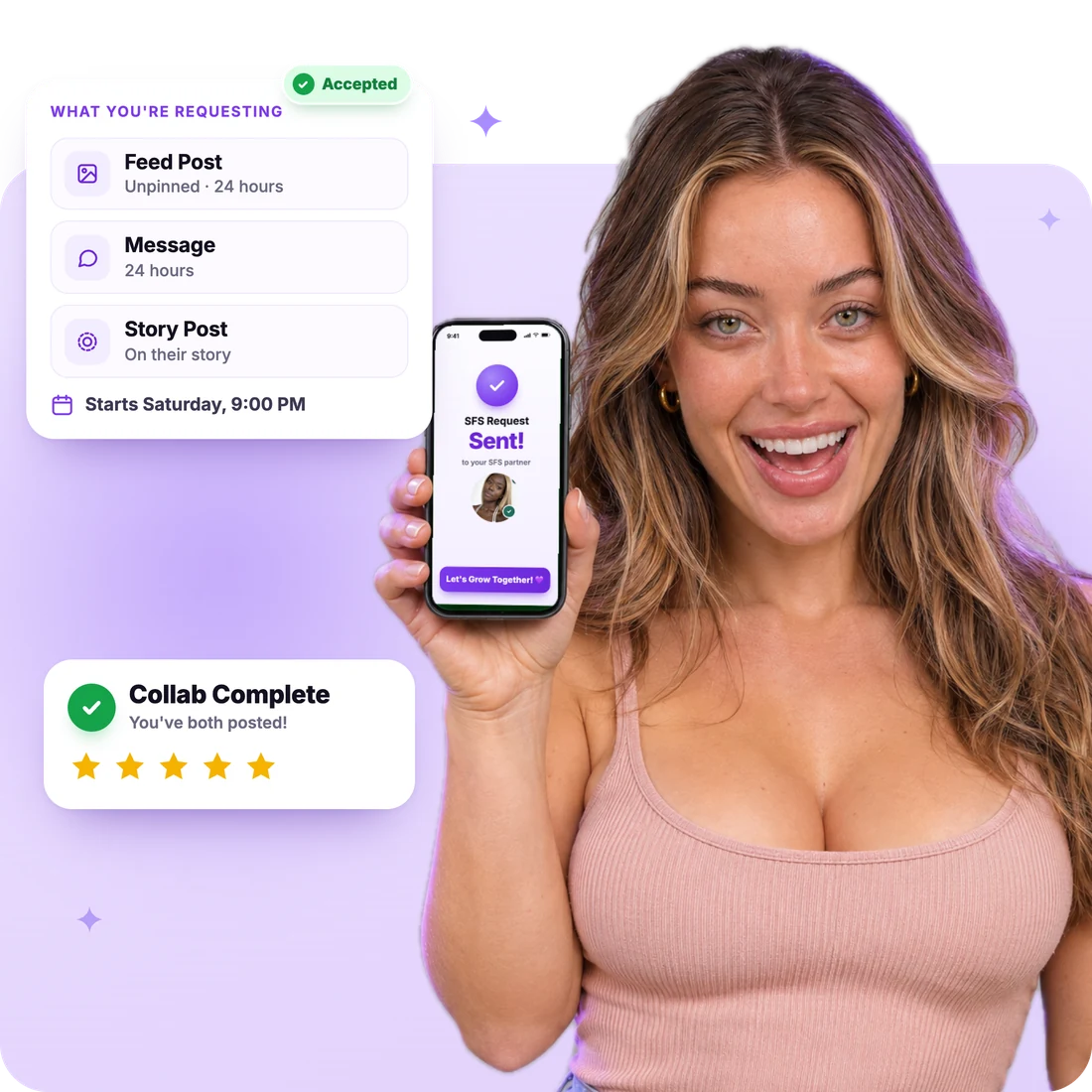
You promote another creator, and they promote you back. You both choose what goes in the swap.
A post on your feed that promotes them. Pinned posts stay up 6 to 72 hours. Unpinned ones can stay forever.
A message to your fans that promotes them. It can stay up for 6 to 72 hours or forever.
On OnlyFans, a story that shows them to everyone who checks your stories.
Add each other as friends on the platform. No posting and no schedule needed.
Want to reach a whole group at once? Try Drops →
Every step is tracked in the app, so nothing gets lost in DMs.
Browse verified creators on your platform. Filter by niche, fans, Top %, star rating and more.
Pick what you want and a start time at least 48 hours away. Add the picture and caption they'll share (on Fansly, a post to repost).
They accept, suggest changes or decline. Requests with no answer expire within 72 hours.
Before the start, upload a screenshot of your scheduled post or message. Your partner approves it.
At the start time, both promos go out. Keep yours up for as long as you agreed.
Rate each other within 3 days. Ratings show on listings, so reliable creators stand out.
New to SFS? Read the SFS Guide →
A good SFS starts with the right partner. The app helps you pick one.
Example numbers. Fan overlap needs Pro on both profiles.
List your profile so creators can find you, and decide exactly what you'll swap and with whom.
Pick your collab types, pinned or unpinned posts, and how long posts and messages stay up.
Set a minimum fan count and Top %. Open to smaller creators? Allow requests below your minimums and counter-offer.
On OnlyFans, choose paid pages, free pages or both. Everywhere, choose SFW, NSFW or both.
Need a break? Pause your listing anytime and it leaves search until you resume. Extra notes you add are checked by our team before they show.
Stats Requirements
Post one link on social media, in DMs or in groups. Anyone who taps it can see your listing and request an SFS with you.
Every plan can swap. Pro takes the busywork out of scheduling and helps you pick partners.
$0/month
Free forever.
$0 for 7 days
Then $35/month. Cancel anytime.
Running more than one page? Compare Plans
Yes. SFS is part of the Free plan, and the swaps themselves are free collabs. Want to pay for a promo instead? That happens in the Promo Marketplace.
OnlyFans, Fanvue, Fansly and LoyalFans. You swap with creators on the same platform as your profile. Story posts are on OnlyFans only.
Some creators accept requests below their minimums and may ask for more in return. Use the "Open to smaller creators" filter to find them.
Up to 3 at the same time on each profile. Start times must be at least 48 hours away, so you both have time to schedule.
Message them in the collab chat first. Still stuck? Use Report a Problem, and our team will do its best to contact them. Reviews also show who follows through.
An SFS is a promise of exposure, not a promise of new fans. If your partner posted on time and kept it up as agreed, that's a 5-star collab. Any rating under 5 needs a specific reason.
Join free, verify your stats, and send your first request to a creator who fits your page.