🧩Browser Extension

Verify Instantly.
Reply Smarter.

The free ShareYourFans® Assistant verifies your OnlyFans, Fanvue, Fansly or LoyalFans stats instantly. On Pro, it adds AI reply ideas and fan notes right beside your chats.

Free to InstallWorks in 4 BrowsersNever Asks for Your Password
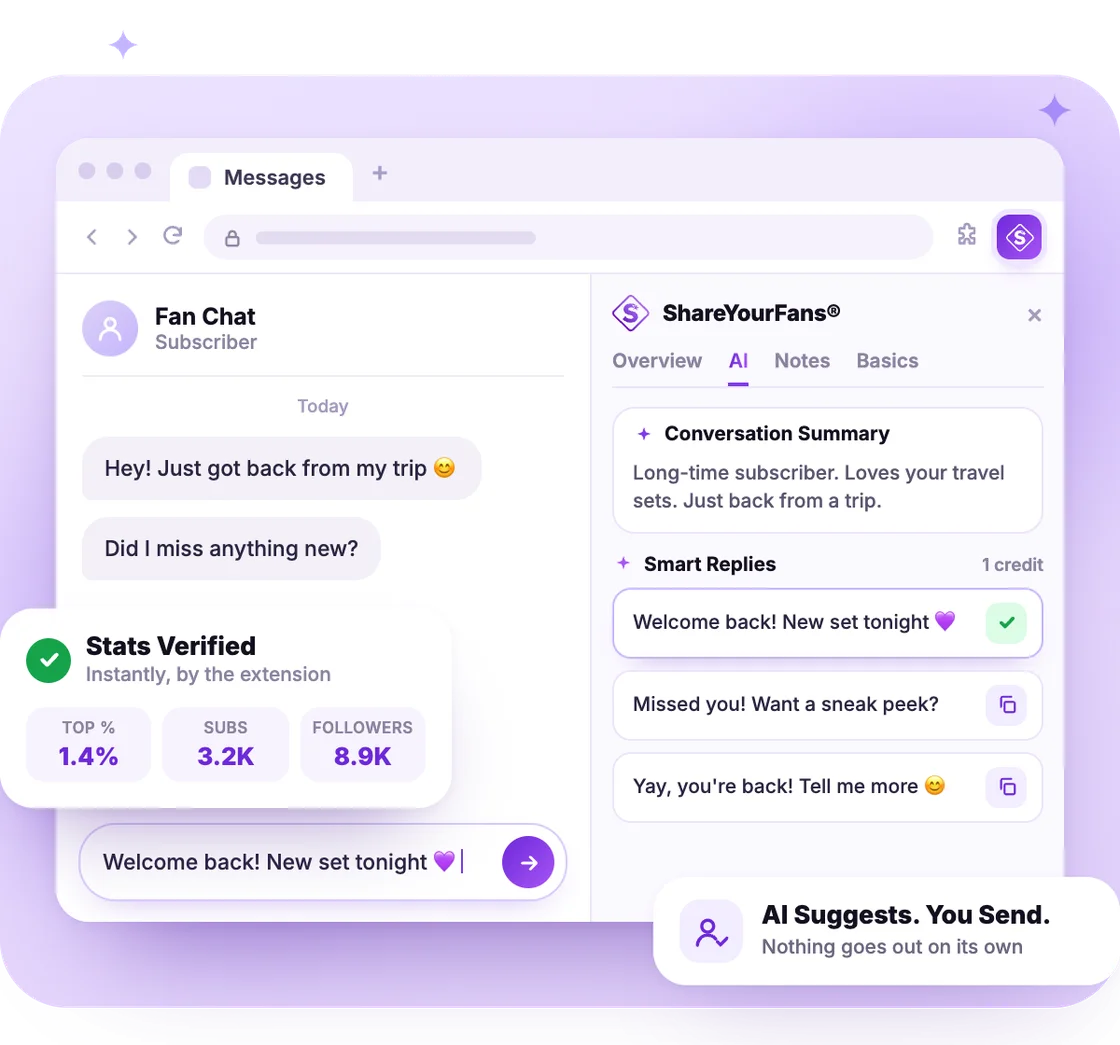
The ShareYourFans® Assistant side panel open next to a fan chat in a browser, with a chat summary, three suggested replies and a Stats Verified card
What It Does

One Extension, Two Big Jobs

Verifying is free. Pro adds daily stats, AI replies and fan notes.

Free

Instant Verification

Open the sidebar on your page and link your profile. It reads your top %, subscribers and followers on its own. Nothing to type.

Free

Unlocks Collabs

Verified stats let you join Shout For Shout, Drops and the Promo Marketplace. Partners know your numbers are real.

Pro

Daily Stats, Automatically

Stay connected and your stats refresh every day. No 30-day re-verify, and buyers see current numbers.

Pro

AI Reply Ideas

Get 3 reply ideas, polish your own draft or sum up a long chat, right beside your OnlyFans, Fanvue, Fansly and LoyalFans chats.

Pro

Fan Notes

Turn on Fan Insights to see each fan's details beside the chat, like what they've spent, and keep your own notes.

Pro

Keeps Pro Connected

It links your page to Pro, so our software pre-fills your SFS and drop posts for you automatically.

AI Assistant · Pro

Reply Ideas
Beside Every Chat

Turn on Fan Insights once. Then open a fan's chat: the side panel reads it, so every idea fits that fan.

  • Smart Replies: 3 ideas for your next message.
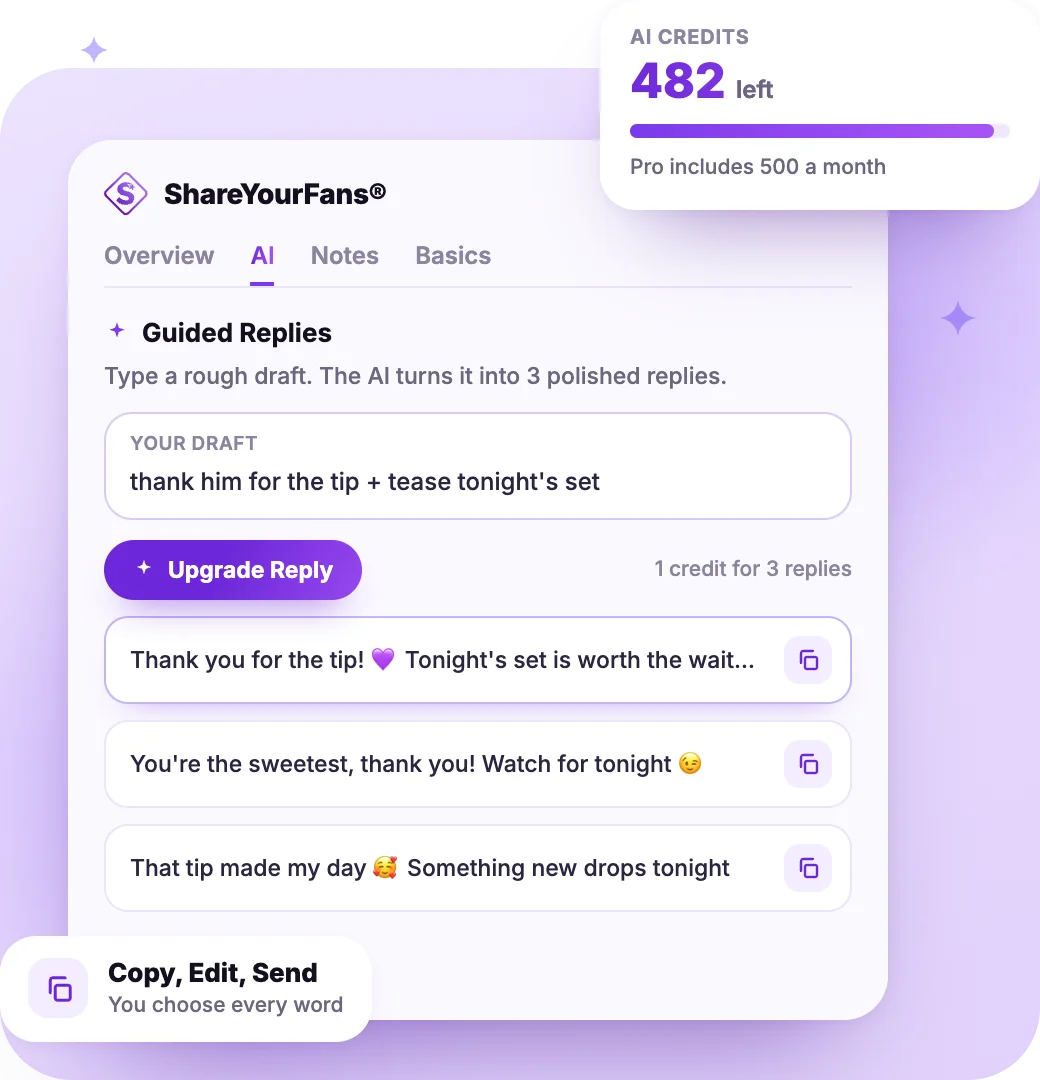
  • Guided Replies: type a rough draft, get 3 polished versions.
  • Conversation Summary: a quick recap of a long chat.
  • 1 credit each. Pro includes 500 AI credits a month.
  • You send. Copy the reply you like, edit it, and send it yourself.

Read more: AI Replies on OnlyFans · AI Replies on Fanvue

The AI tab of the ShareYourFans® Assistant: a rough draft turned into three polished replies with copy buttons, and an AI credits card
How It Works

Set It Up in 4 Steps

Do it once per page. After that, the purple S is always there when you need it.

Create an Account

Sign up free and add your page: OnlyFans, Fanvue, Fansly or LoyalFans.

Add the Extension

Pick your browser below, then pin the purple S to your toolbar.

Open Your Page

Log in as usual and click the purple S. On Fanvue, it's ShareYourFans® in the menu.

Link and Refresh

Sign in to ShareYourFans® in the sidebar, click Link Profile and refresh.

Browsers

Pick Your Browser

Same extension and features in every browser. Pick yours.

Google Chrome

On Mac and Windows computers.

Add to Chrome

Microsoft Edge

On Mac and Windows computers.

Add to Edge

Firefox

On Mac, Windows and Android phones.

Add to Firefox

Safari

On Mac and iPhone, through Apple's TestFlight app.

Add to Safari

On your phone? Use Safari on iPhone and Firefox on Android. Chrome on Android doesn't support extensions, and neither do Chrome, Firefox or Edge on iPhone.

Privacy

What It Reads. What It Never Does.

It runs in your own browser, on your own logged-in page.

What It Reads

  • It only works on OnlyFans, Fanvue, Fansly and LoyalFans.
  • To verify you, it reads your top %, subscribers and followers.
  • On Pro, it keeps you connected for daily stats.
  • On Pro, it reads the open chat and that fan's details for AI replies and fan notes.

What It Never Does

  • It never asks for your platform password.
  • The AI never sends a message for you. You do.
  • Verifying never reads your messages or saves your earnings.
  • Your team never needs your password to help.

More in the Help Center: Privacy and Security Tips

Free vs Pro

What You Get on Each Plan

The extension is free. Pro turns on everything else it can do.

Feature
Free
Pro
Instant Verification
Keep Stats Current
Every 30 Days
Daily, Automatic
AI Replies and Summaries
–
500 Credits a Month
Fan Insights and Notes
–
Pre-Filled SFS and Drop Posts
–
Sell Promo
–
Access for Your Assistants
View Only
Full

Pro is free for 7 days, then $35/month for your first profile. Cancel anytime.

FAQ

Questions, Answered

Is the extension free?

Yes. It's free to install, and verifying your stats with it is free. AI replies, Fan Insights and daily stats come with Pro: free for 7 days, then $35/month for your first profile. Cancel anytime.

Which browsers and phones does it work on?

Mac: Chrome, Edge, Firefox or Safari. Windows: Chrome, Edge or Firefox. iPhone: Safari only, through Apple's TestFlight app. Android: Firefox only.

Will the AI message my fans for me?

No. It only suggests. You copy the reply you like into the chat, change it if you want, and send it yourself. Nothing goes out on its own.

Do I have to use the extension to get verified?

No. You can upload a short screen recording instead, and a real person reviews it. We check every day. On Fanvue, you can also Sign in with Fanvue. Pro needs the extension. On a free OnlyFans page, verifying with the extension may pose a slight risk of the account being flagged, so a screen recording is the no-risk option there. How to verify your profile

Why does my Pro profile say Disconnected?

Log in to your page, open the sidebar and click Fix next to your platform link. On OnlyFans, switching accounts without logging out can disconnect Pro, so set Pro up in an incognito window. Incognito setup guide

Can my assistant use it?

Yes, without your password. Open Settings → Profiles, add them under Assistants and turn on Browser extension. On Free they can see your stats. On Pro they also get fan notes and AI replies. Managing assistants
Add the Extension. Get Verified.

Free to install. Try Pro free for 7 days for AI replies and daily stats.

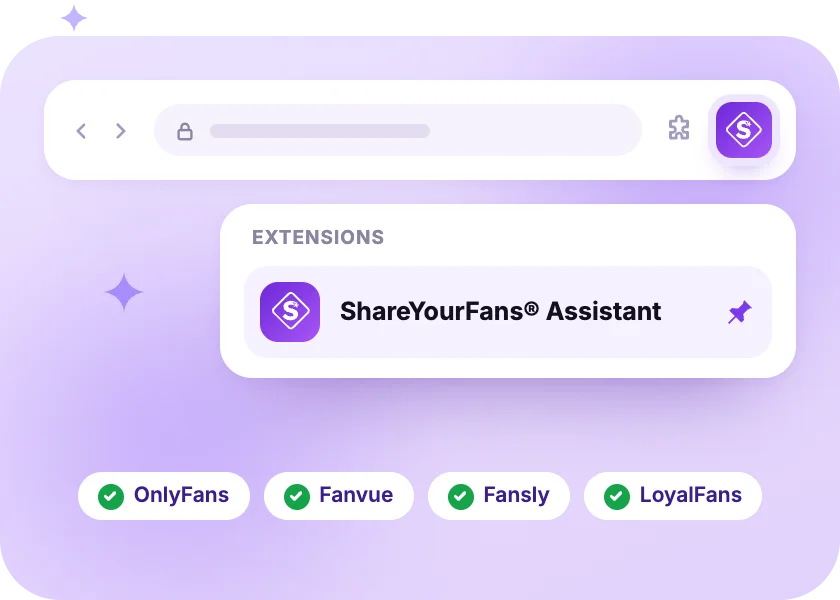
The ShareYourFans® Assistant pinned to a browser toolbar, ready on OnlyFans, Fanvue, Fansly and LoyalFans