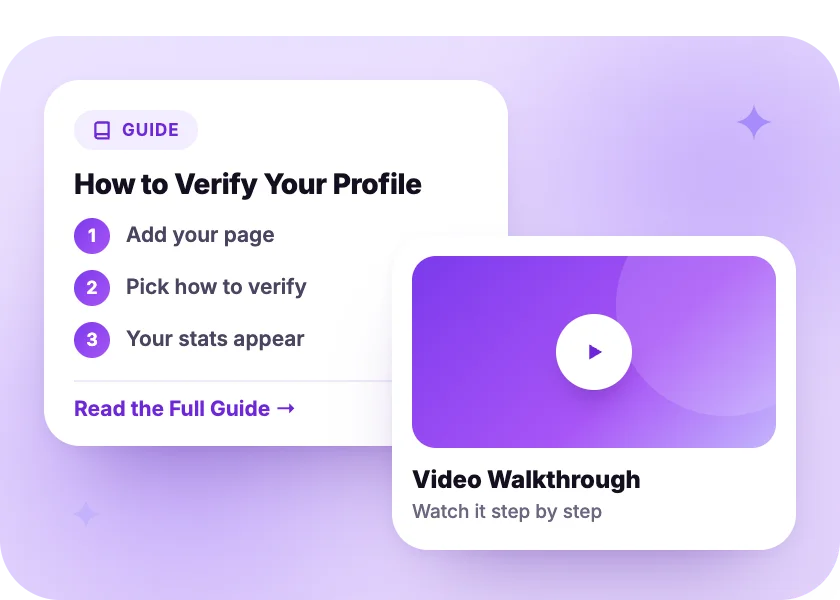
Short, plain guides for using ShareYourFans®, from adding your page to your first promo sale. Every topic links to the full step-by-step article or video.
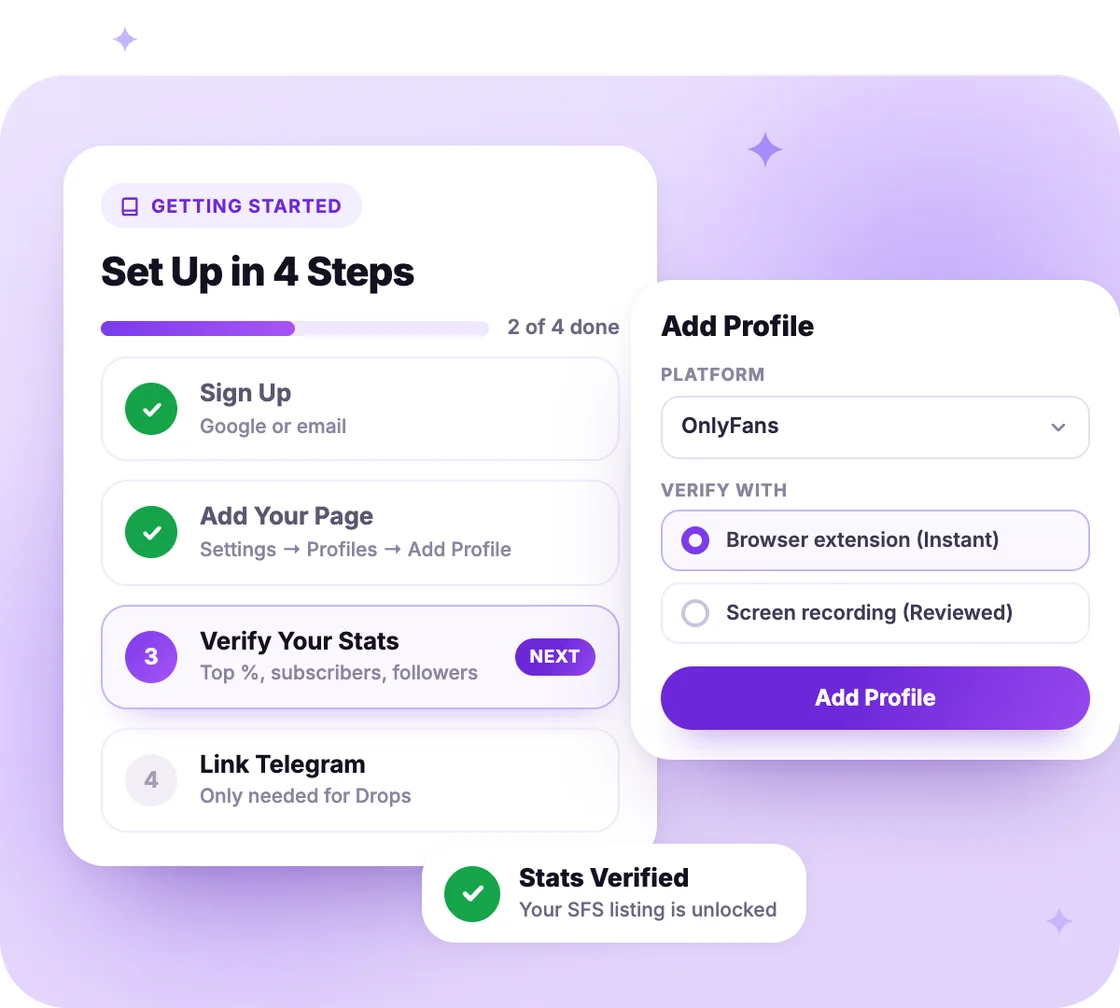
Do these once. Every other guide builds on them.
Use Google or your email, then choose I'm a Creator.
Settings → Profiles → Add Profile. Use your exact platform username.
Use the browser extension, a screen recording or Sign in with Fanvue.
Only needed for Drops. Settings → Telegram → Link.
Keep your stats fresh: re-verify every 30 days on Free. Pro updates them daily.
We check your Top % for the last 30 days and your fan counts.
Our ShareYourFans® Assistant reads your stats right on your page. Required for Pro.
Get the ExtensionUpload a short recording of your stats. A real person reviews it. We check daily.
Watch HowSign in with your Fanvue account, tap Allow, and you're verified right away.
Fanvue Setup GuideOn Pro, your stats update by themselves every day while you stay connected.
Compare PlansPick a topic. Most links open the full step-by-step article or video.
Sign up, add your page and get your stats verified.
Buy feed posts, mass DMs and Guaranteed Gains from verified creators.
Sell your reach to other creators. Paid on Tuesdays and Fridays.
Find a creator with a similar audience and post for each other.
You each commit to a fan goal and promote each other until both are met.
Join a group collage that every creator in it posts at once.
Install the extension, set Pro up the right way and fix a disconnect.
What's free, what Pro costs, and where to manage it.
Add assistants, keep your account private and strip hidden info from your photos.
Verified sellers, protected payments and results you can track.
Guaranteed Gains need Pro. Feed posts and mass DMs don't.
You keep 85% of every sale. Guaranteed Gains are for OnlyFans, Fanvue and Fansly.
Three ways to grow with other verified creators.
You promote another creator, they promote you back: a feed post, story or DM.
You both commit to a fan goal, like 25 new subs, and promote each other.
A group collage everyone in it posts at once, so fans find new creators.
Start free. Add Pro to the pages you want, when you want.
$0 /month
Verified creators, SFS, Drops and more.fun™.
7 Days free
No charge today. Turn renewal off during the trial and you pay nothing.
$35 /month
For your first profile, then $25/month for each extra. $100/month per profile with over 500,000 fans.
Cancel
Cancel Pro anytime. It ends right away, so cancel close to your renewal date.
In our Help Center. It has the full guides, many with pictures for computer and phone.
Guides show you how to use ShareYourFans®. Creator Academy is about growing your page: promotion ideas, collabs and more.
A real person reviews screen recordings every day, so it isn't instant. If it's taking a while, contact support. In the meantime, you can set up your other profiles or link Telegram.
Only for Drops. Linking it lets our bot know it's really you. You can still join drops right on our website.
Yes, and they never need your password. Open Settings → Profiles, tap your profile, add them under Assistants and pick what they can do.
Yes. Our YouTube channel has walkthroughs for signing up, verifying your stats and choosing a plan.