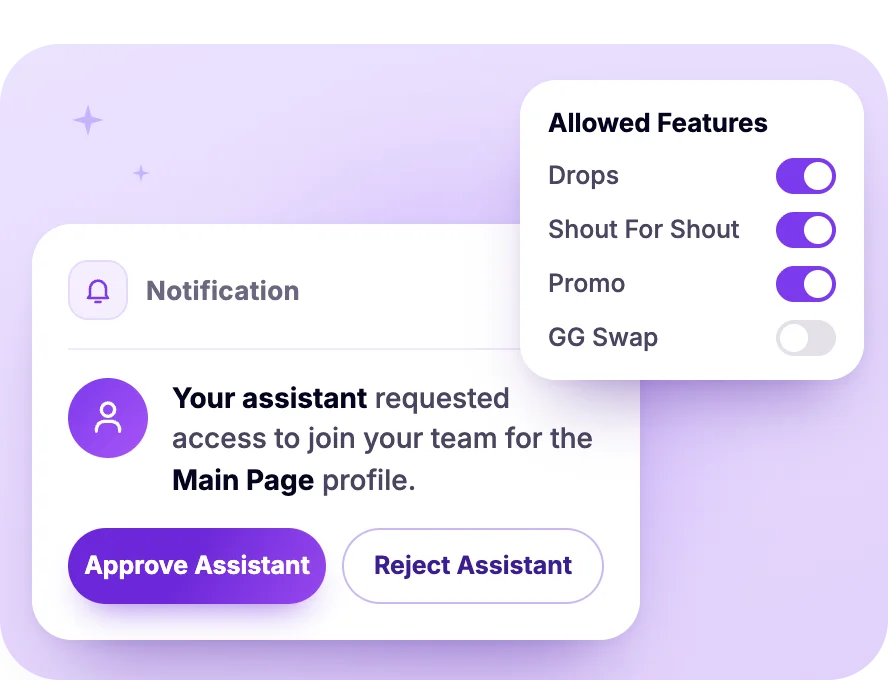
Each assistant gets their own ShareYourFans® login, so no one shares a password. Each creator picks what your team can do on their page.
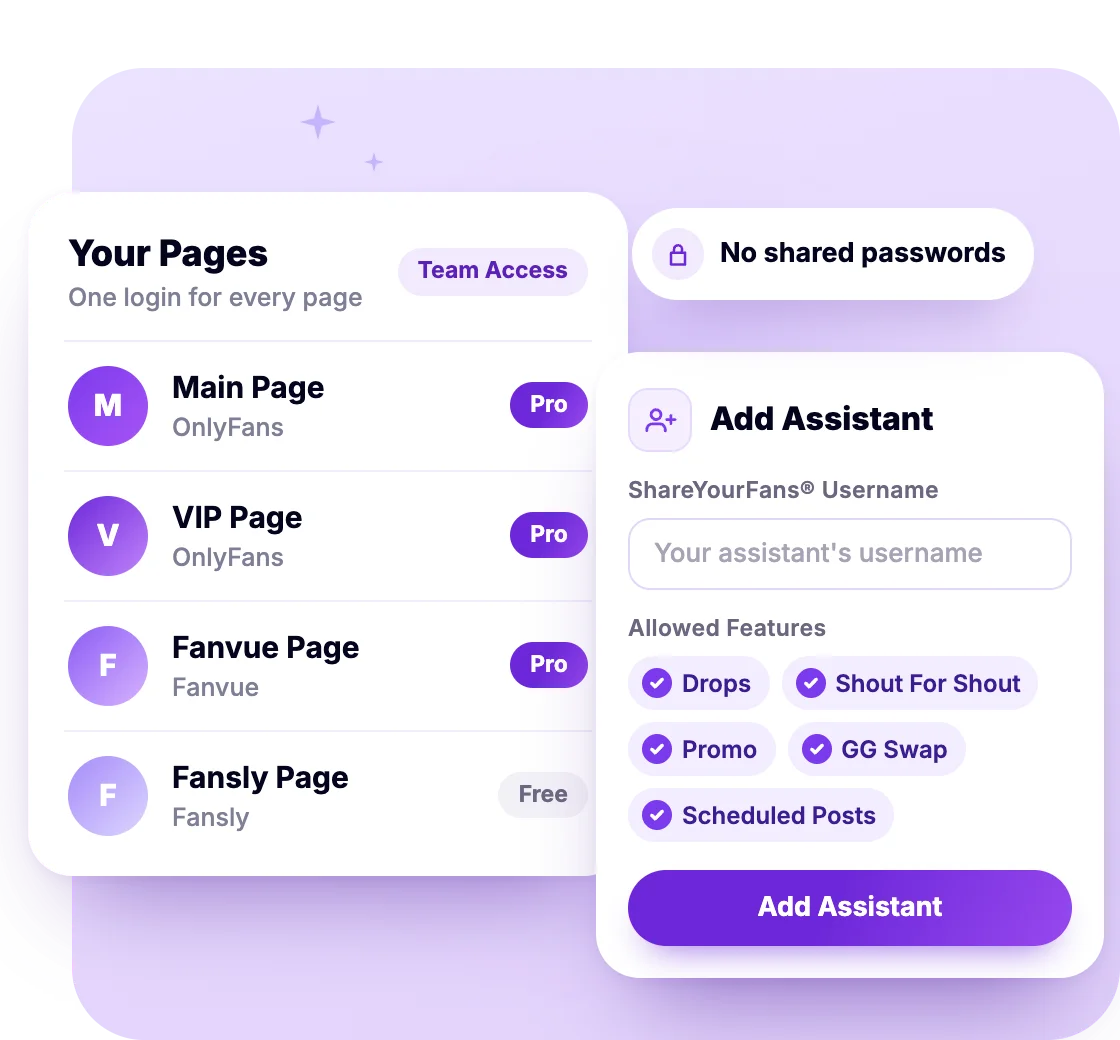
The creator stays the owner of the page. Your assistants work on it with the permissions the creator gives them.
Only the creator can add and verify the page on ShareYourFans®.
In Settings → Profiles → Add Assistant, the creator enters each assistant's ShareYourFans® username. Or your assistant taps Request Access and the creator approves.
Feature by feature, for each assistant, on each page.
Every page an assistant is added to shows up in their own login.
Want the details? Read the assistants guide in our Help Center
Permissions follow the page's plan, and some only show up on platforms that support them.
The tools creators use, run by your team on every page you manage.
SFS, Promo, GG Swaps, Drops and scheduling list every page an assistant has that permission for.
Read the Assistants GuideOn Pro pages, pick more than one page on the same platform and schedule a post or mass message to all of them at once.
ProSee Pro PricingBuy feed posts and mass DMs from verified sellers, plus Guaranteed Gains on Pro pages. Every order has buyer protection.
Browse the MarketplaceRun Shout For Shout for free. GG Swaps need Pro on both pages, and both sides commit to a fan goal.
See Shout For ShoutCheck common fans, overlap % and new reach before you collab. Both pages need Pro.
ProSee GG SwapsThe browser extension adds fan notes and suggested replies inside OnlyFans, Fanvue, Fansly and LoyalFans chats. A person always sends.
ProSee the ExtensionAssistant accounts are free. Pro is priced per page, and the Agency plan adds custom volume pricing.
Billed to each creator, because only a page's owner can upgrade it to Pro. The $25 price is for extra profiles on the same creator's account. Prices in US dollars, before taxes.
Compare PlansCustom pricing for your team
No. Only the creator can add the page. The creator then adds your team as assistants in Settings → Profiles → Add Assistant, using each assistant's ShareYourFans® username.
Yes, a free ShareYourFans® account each. There's no cap on how many assistants a page can have.
Yes. An assistant can be on many creators' pages, and every page they're added to shows up in their one login.
Whoever clicks Pay at checkout. An assistant pays with their own card, never the creator's.
Each creator, on their own account, because only a page's owner can upgrade it. The first profile is $35/month and each extra one is $25/month ($100/month for a profile with over 500,000 fans). Running many pages? Ask us about the Agency plan's custom volume pricing.
Pages on OnlyFans, Fanvue, Fansly and LoyalFans. GG Swaps work on OnlyFans, Fanvue and Fansly. Drops also take X, Bluesky and Reddit profiles.
Team access is free to set up today. Running many pages? Ask us about Agency pricing.